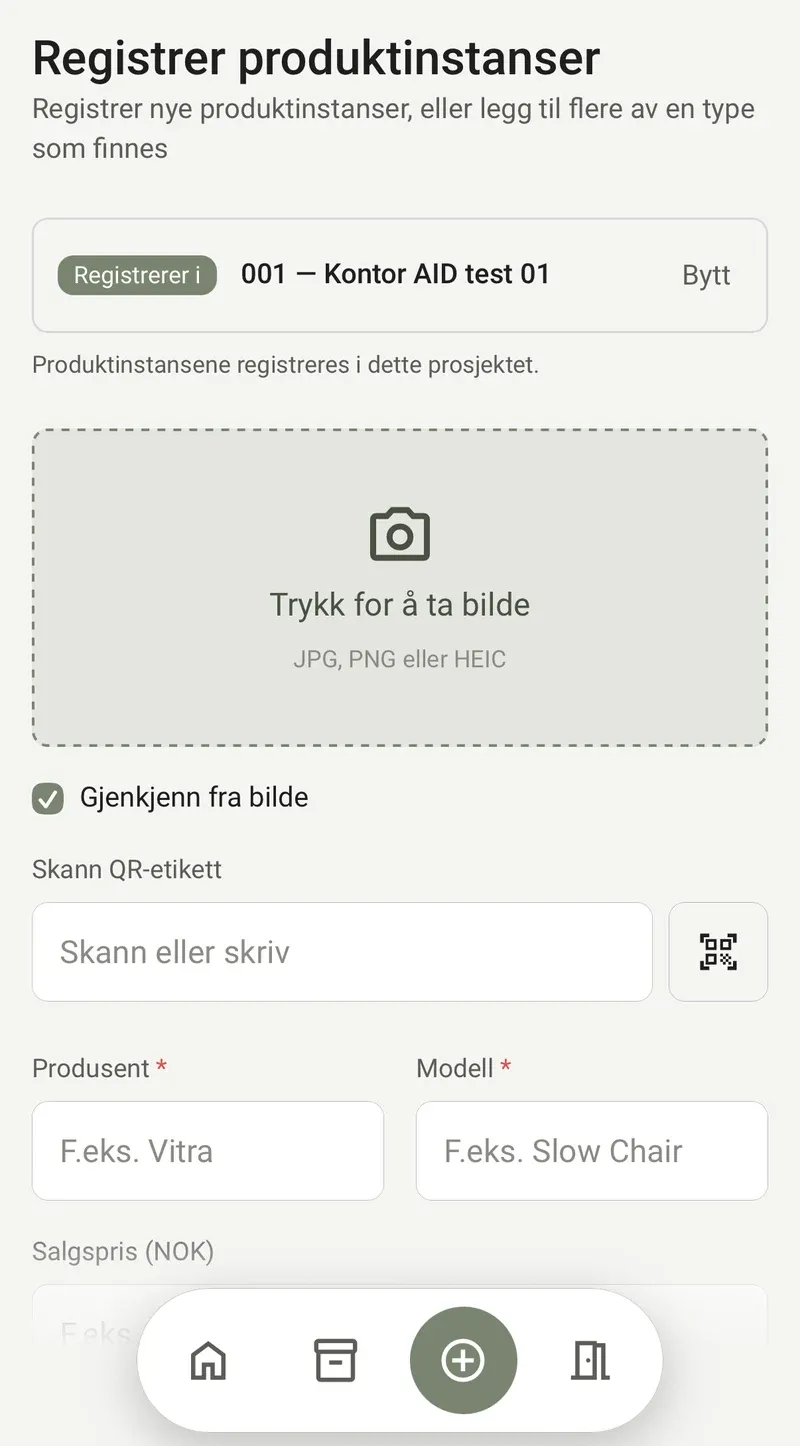
Add
Register furniture and fittings where they stand – with your phone, on site. Photo, labelling and condition are captured in seconds, even in large quantities.
AIDAdd · Inventory · Design
AID is the first solution to take a holistic view of design with reuse. Furniture and fittings are registered, managed and designed in one and the same system – connected directly to the BIM model.
The most sustainable piece of furniture in a project is the one you already own.
Furniture and fittings represent great value in a building – often far more than what appears in the accounts. The materials have already been extracted, the production is done and the emissions have been emitted.
Yet they often become invisible when a new project starts. What is not registered is not drawn in – and what is not drawn in gets replaced.
AID makes what you own available, and part of the design.
From the moment a piece of furniture stands on the floor today, to the moment it has a new place in the next project.
Register furniture and fittings where they stand – with your phone, on site. Photo, labelling and condition are captured in seconds, even in large quantities.
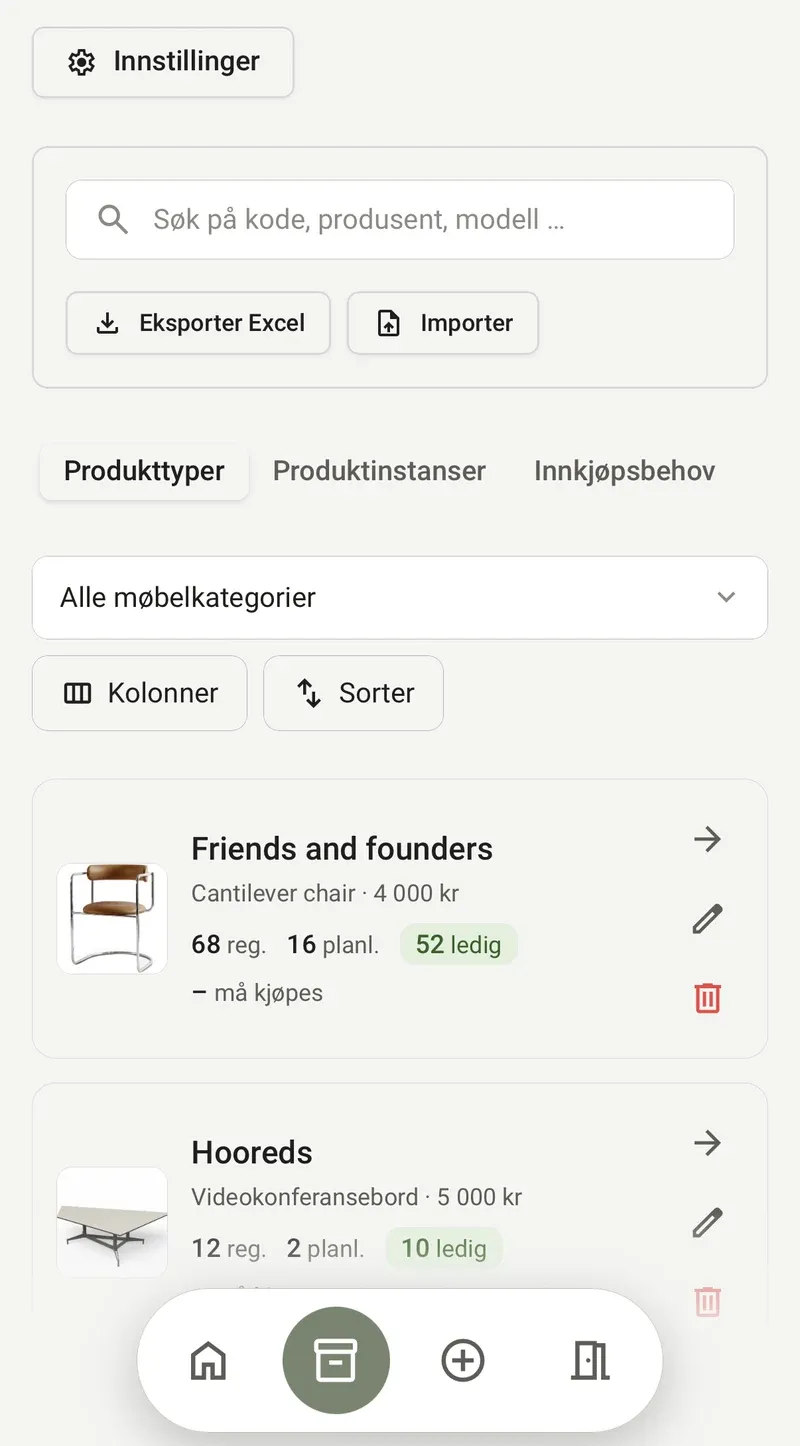
One shared overview of what exists, where it stands, who owns it and what is available. Every single piece of furniture has its own identity and history.
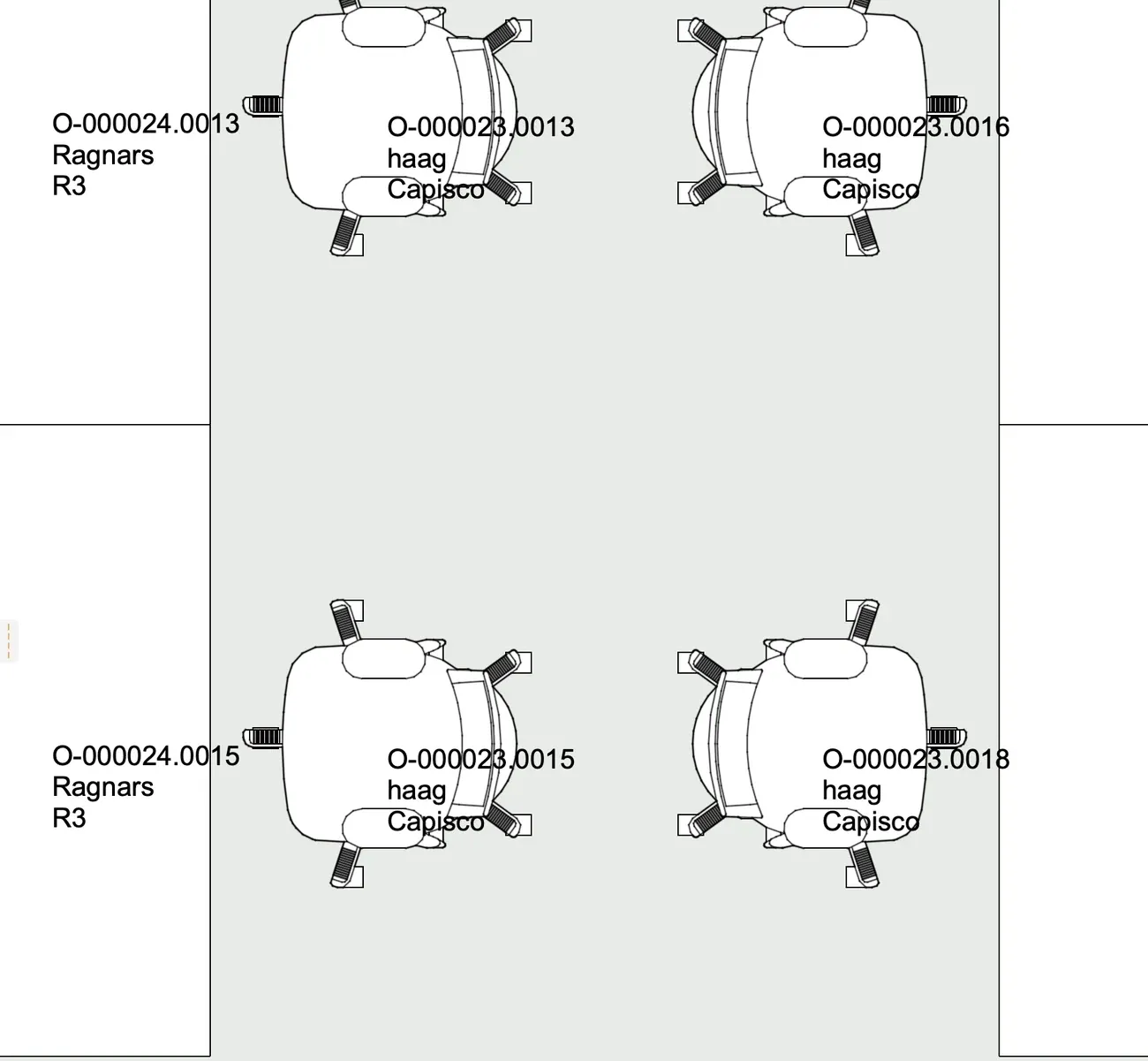
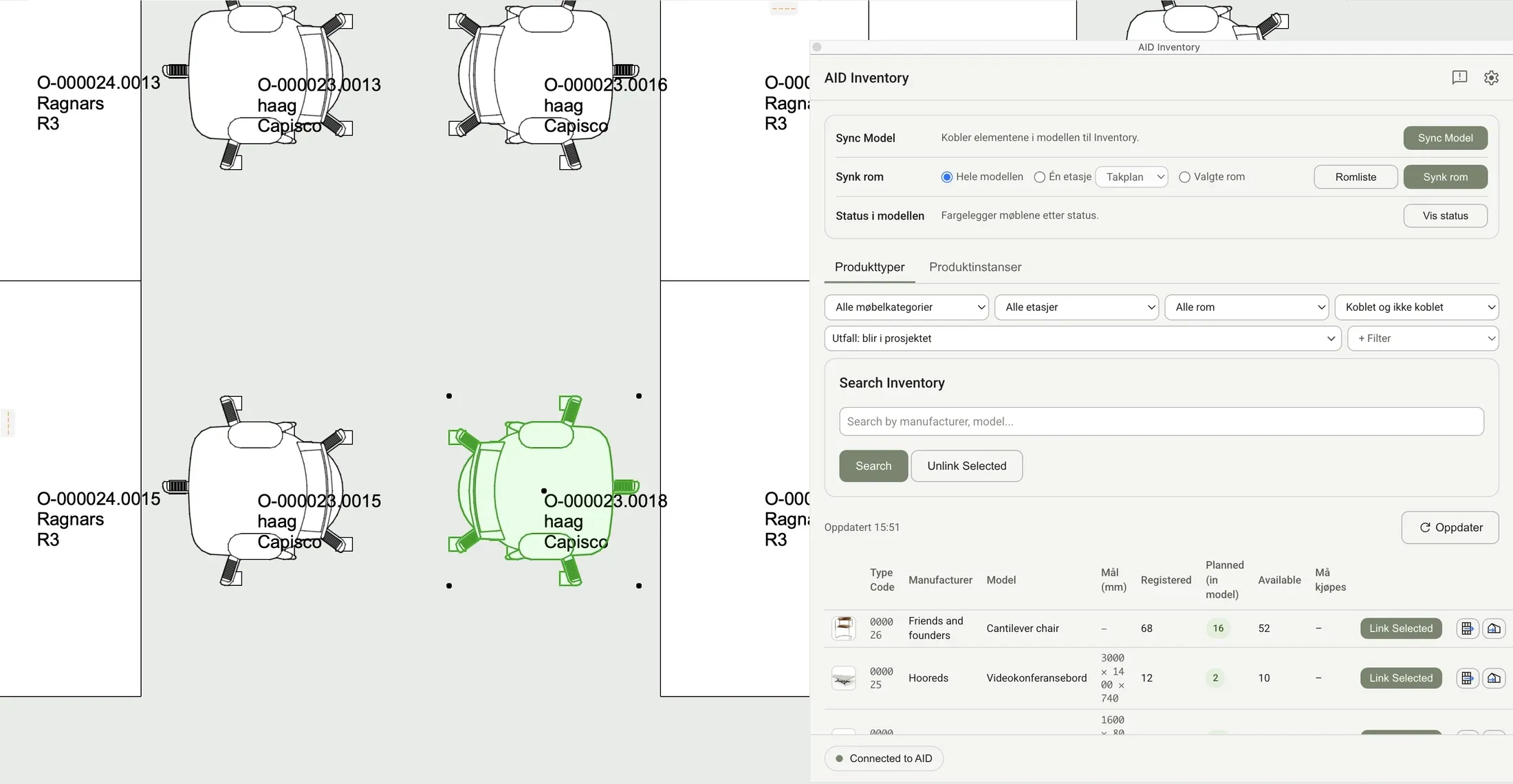
The interior architect draws with the actual furniture directly in the BIM model. What is placed in the model is tied to what is in stock.
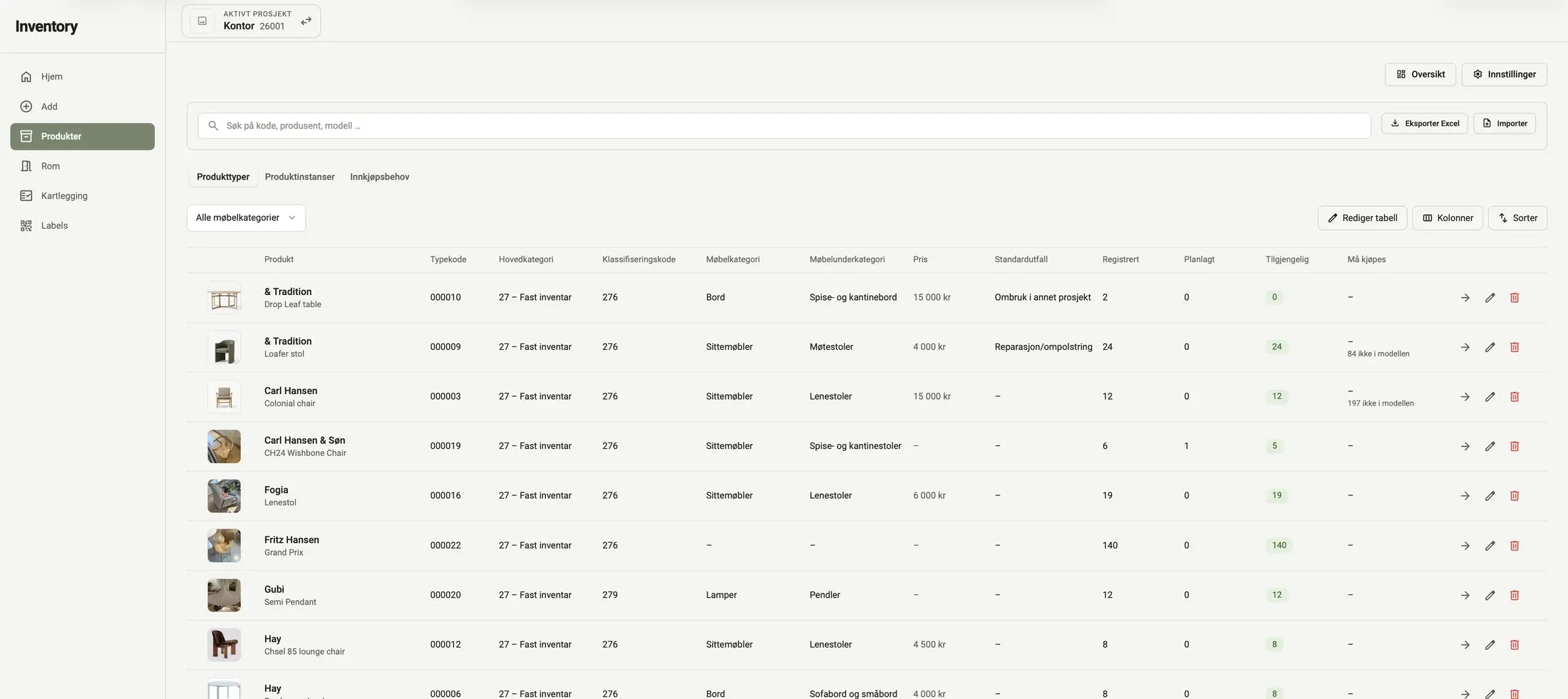
What makes AID unique is the connection to the BIM model. When a piece of furniture is placed, moved or removed in the model, the system knows. At any time you can see what is planned for use, what has been allocated and what is still available.
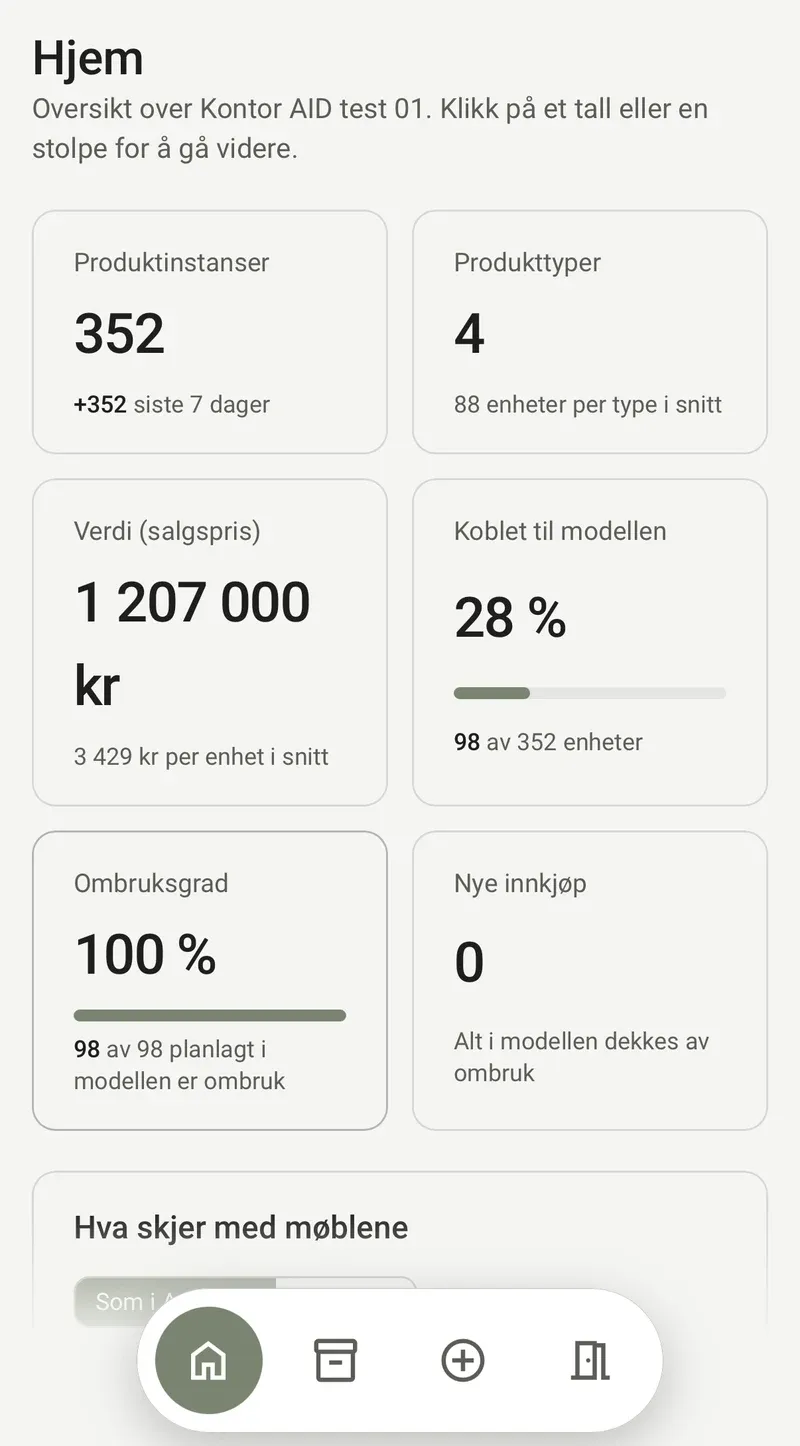
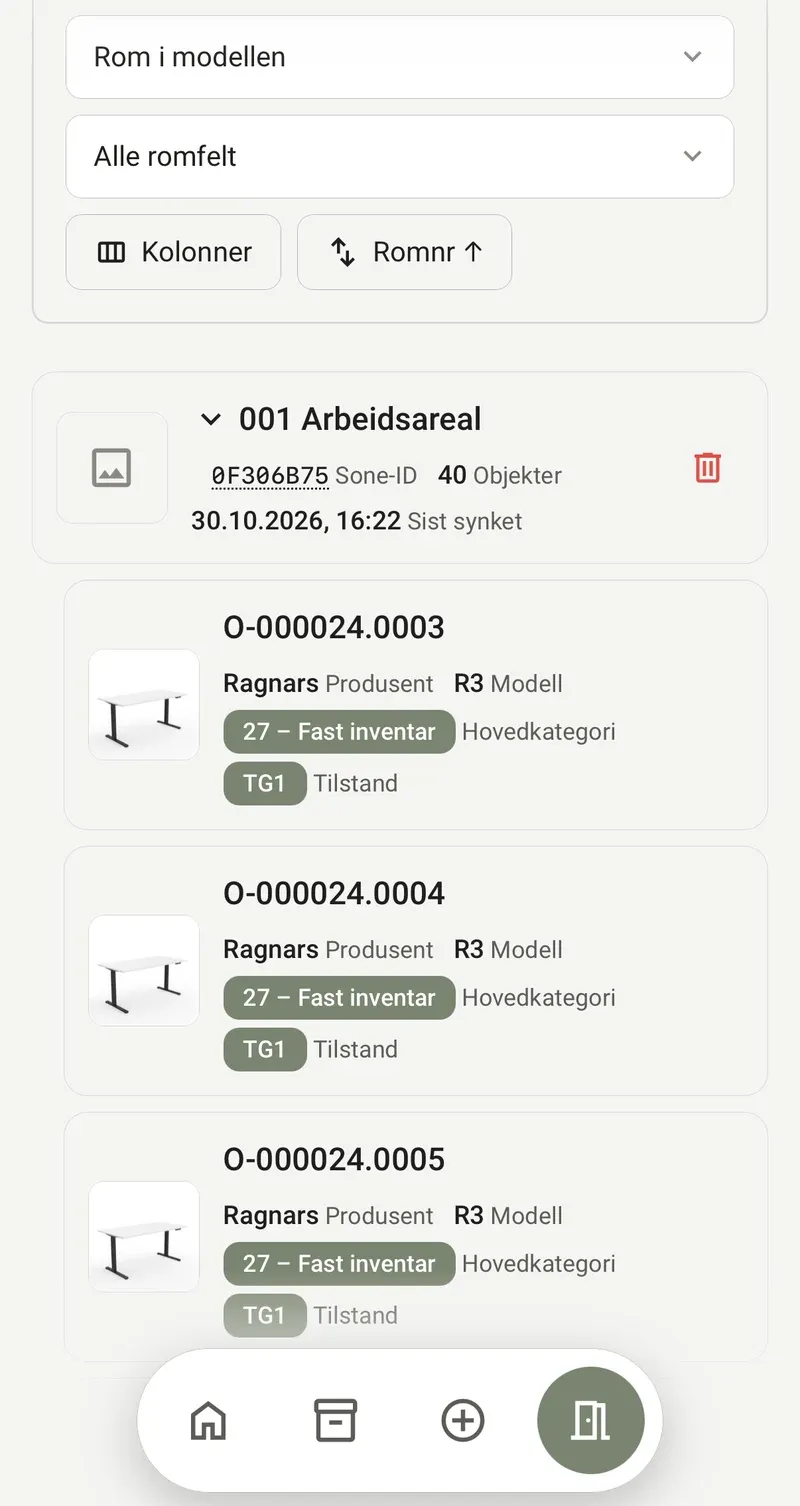
A reuse project has many parties, and they often work from separate lists. In AID everyone shares the same up-to-date picture – from the first registration until the last piece of furniture is in place.
Sees the values, can document the reuse and stays in control of the assets – also after the project ends.
Designs with what exists, right in the model, and can see at any time what is available.
Knows exactly what is to be reused, what needs to be supplemented and what is to be delivered where.
Knows which piece of furniture goes from where to which room – labelled, identified and ready.
Every piece of furniture in AID gets its own identity, which follows it throughout its whole life. Condition, maintenance, placement and ownership are gathered in one place, project after project.
The registration gives a documented basis for sustainability work: what has been reused, where it came from and where it has gone. Furniture becomes a managed resource instead of a one-off cost.
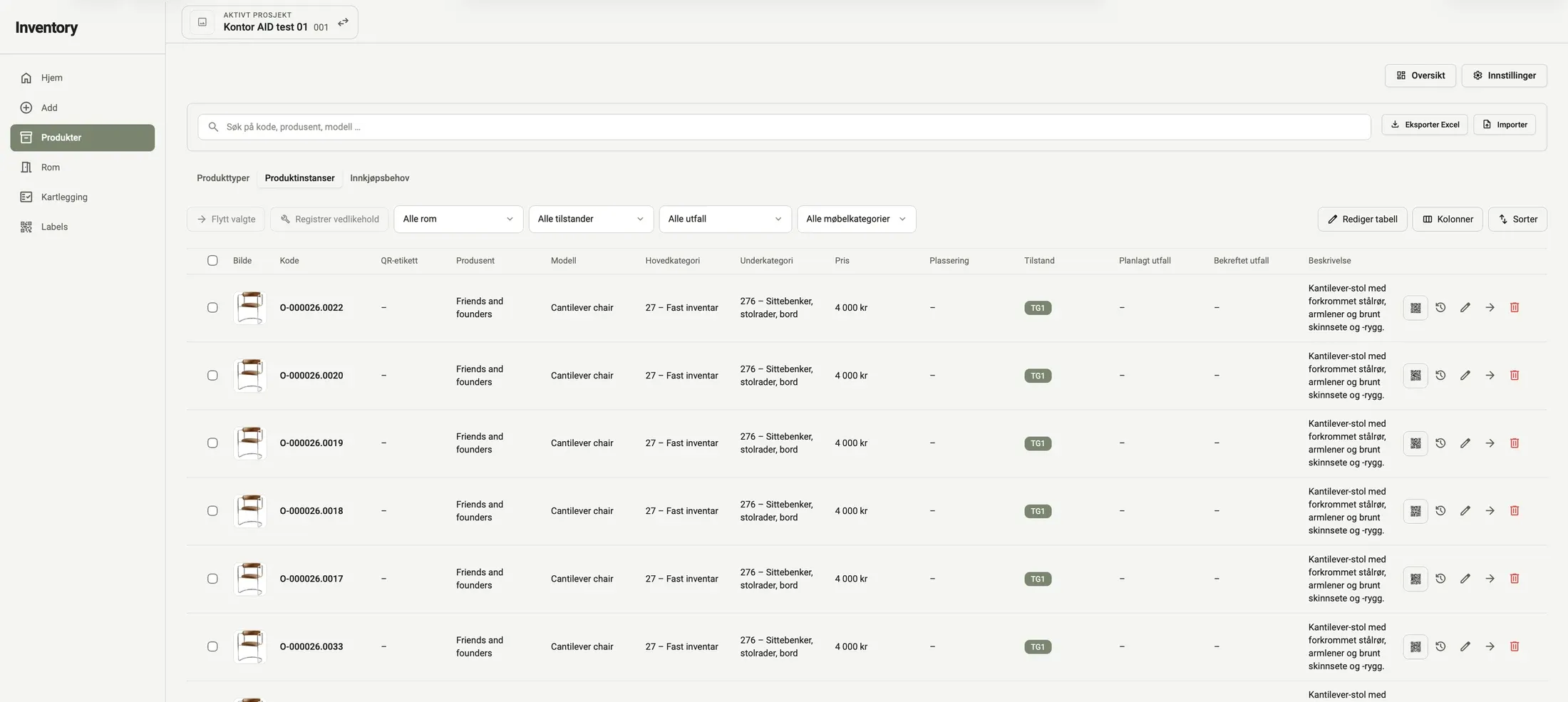
Design with what you already have.
AID gives furniture a long life – and the project full control. Want to hear more?